Pay Fees
University of Plymouth International College accepts various international payment options through UPIC’s Payment Portal, powered by our official payment partner, Flywire.
This portal allows you to:
- Execute, track and confirm your international payment online in a secure portal
- Use familiar payment options from your home country, in 140+ currencies
- Access a 24/7 multilingual customer support team for assistance
- Save on bank fees and ensure the best exchange rates with Flywire’s best price guarantee
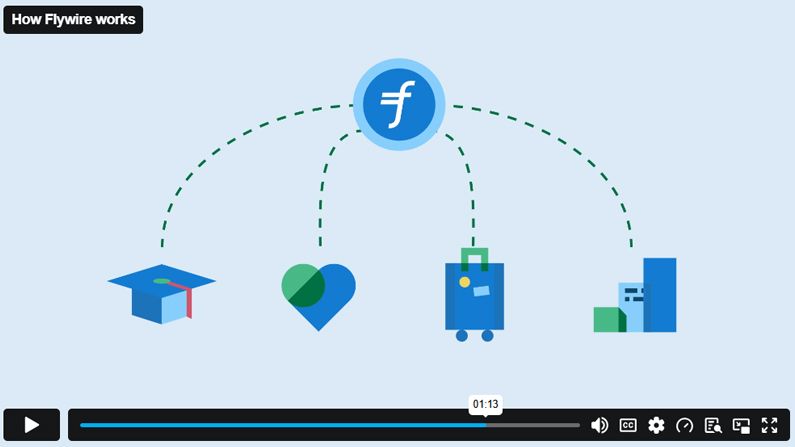
See how Flywire works
We strongly advise that payments for the tuition fee deposit are made by the students themselves or an immediate trustworthy family member and not by a third party or unrelated person. If a third-party payment is received, we may need to contact the applicant to request further information / evidence (e.g. payer’s name and address, their relationship to the applicant, evidence of transfer of funds from applicant to payer etc.) before we can proceed.
How to make a payment to UPIC?
- Go to UPIC’s Payment Portal to begin your payment.
- Select the country you are paying from and your preferred payment method.
- Enter your payment details and confirm your payment booking.
- Receive instructions on how to complete the payment process, depending on your payment method.
- Track your payment online from start to delivery to UPIC with your Flywire Dashboard and access to Flywire’s multilingual customer support team.
Having trouble with Flywire?
24/7 Customer Support
Phone: 1-800-346-9252
Email: support@flywire.com
International Phone Numbers & Frequently Asked Questions